The Gumroad RSC experiment
See the live product pages, PageSpeed reports, and recorded interactions comparing React Server Components with client-rendered Inertia.
Read the main article →React + Rails Integration
Official docs for installing, configuring, deploying, and upgrading React on Rails in production Rails apps, with SSR, RSC, and React on Rails Pro paths.
Featured research · Gumroad + React Server Components
Two essential reads on Rails + React performance: the experiment and the evidence behind it.
See the live product pages, PageSpeed reports, and recorded interactions comparing React Server Components with client-rendered Inertia.
Read the main article →Inspect the repeated measurements, rendering choices, and trade-offs behind the experiment.
Read the technical reference →Free for most teams
React on Rails is MIT. React on Rails Pro needs no license key in development, test, CI, staging or review apps, and runs free in production for organizations under 10 people, $1M revenue and $1M raised, and for charities, schools and hospitals at any size. Everyone else subscribes to ShakaStack Pro: $1,800 per year per organization for React on Rails Pro, ShakaPerf and Slack support from the maintainers.
Paste into Cursor, Claude Code, Copilot, or any AI assistant. Each prompt points the agent at the official docs so it doesn't guess.
Turn on React Server Components in my React on Rails app (no license required). Follow https://reactonrails.com/docs/pro/react-server-components exactly, including the renderer and packer setup it specifies.
Set up a new Rails app using the default React on Rails Pro path (no license key required; production is free for small organizations, charities, schools, and hospitals, and a subscription for larger organizations) with TypeScript and server-side rendering. Follow the official guide at https://reactonrails.com/docs/getting-started/create-react-on-rails-app exactly; don't improvise commands or versions. Use --standard only when you intentionally want an open-source-only scaffold.
Add React on Rails to my existing Rails app with TypeScript, keeping my current routes and conventions. Follow https://reactonrails.com/docs/getting-started/existing-rails-app and don't change any gem or package versions it doesn't tell you to.
Live demos
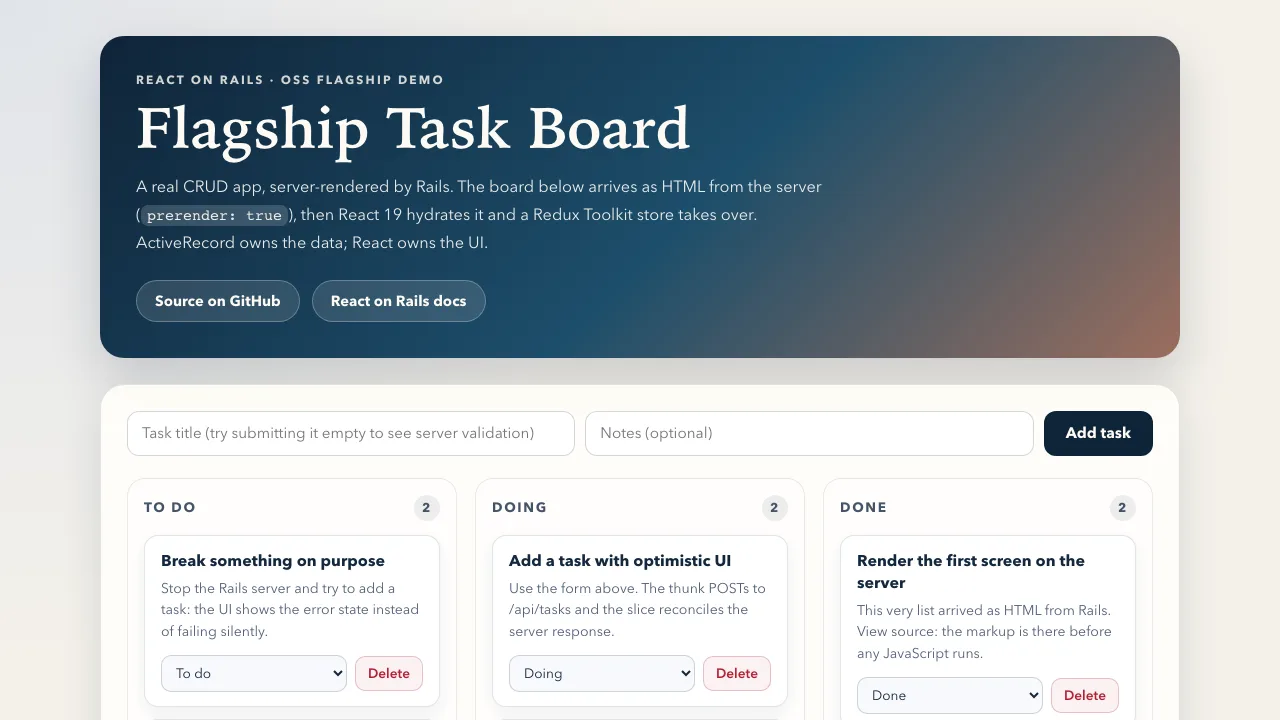
The flagship React on Rails Pro demo with Rails 8.1, React 19, RSC, streaming SSR, Redux Toolkit, Shakapacker/Rspack, and ActiveRecord CRUD.
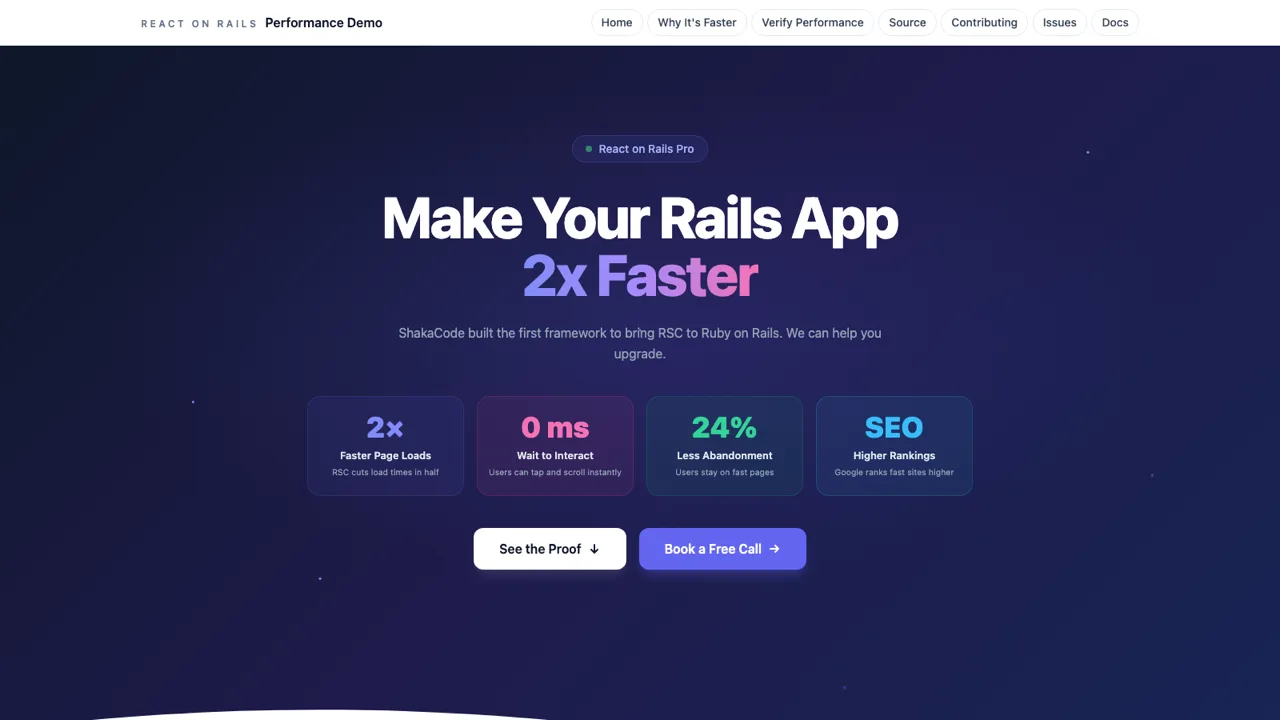
A marketplace performance demo for React on Rails Pro, React 19, and React Server Components.
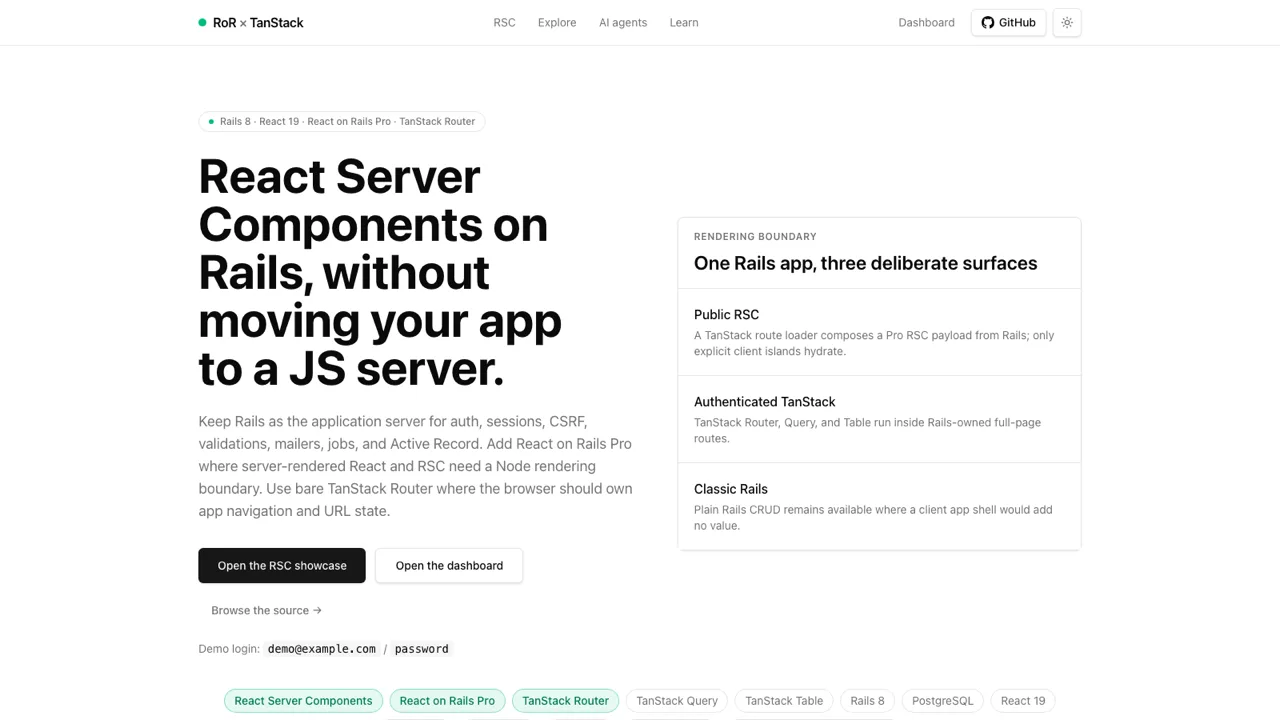
A minimal React on Rails + TanStack starter template to build from.
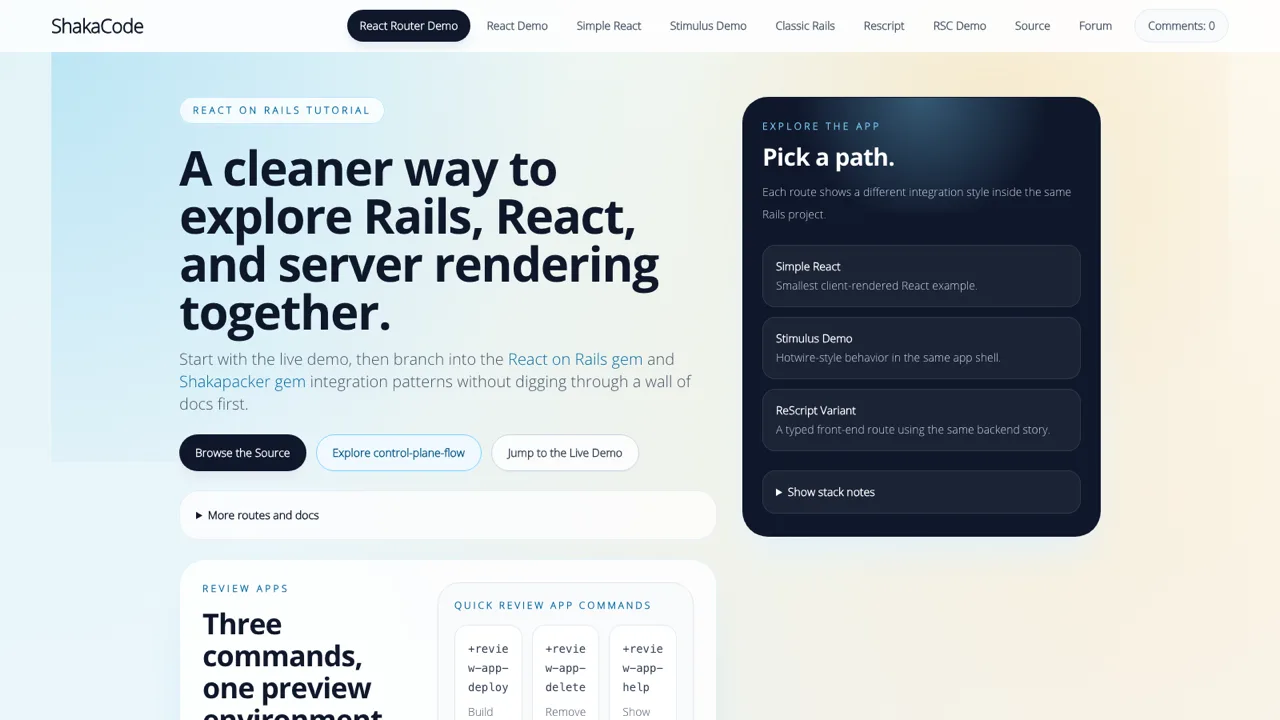
The original full-app React on Rails tutorial demo, running in production for years.

A Hacker News reader built on React on Rails Pro with React 19 and React Server Components.
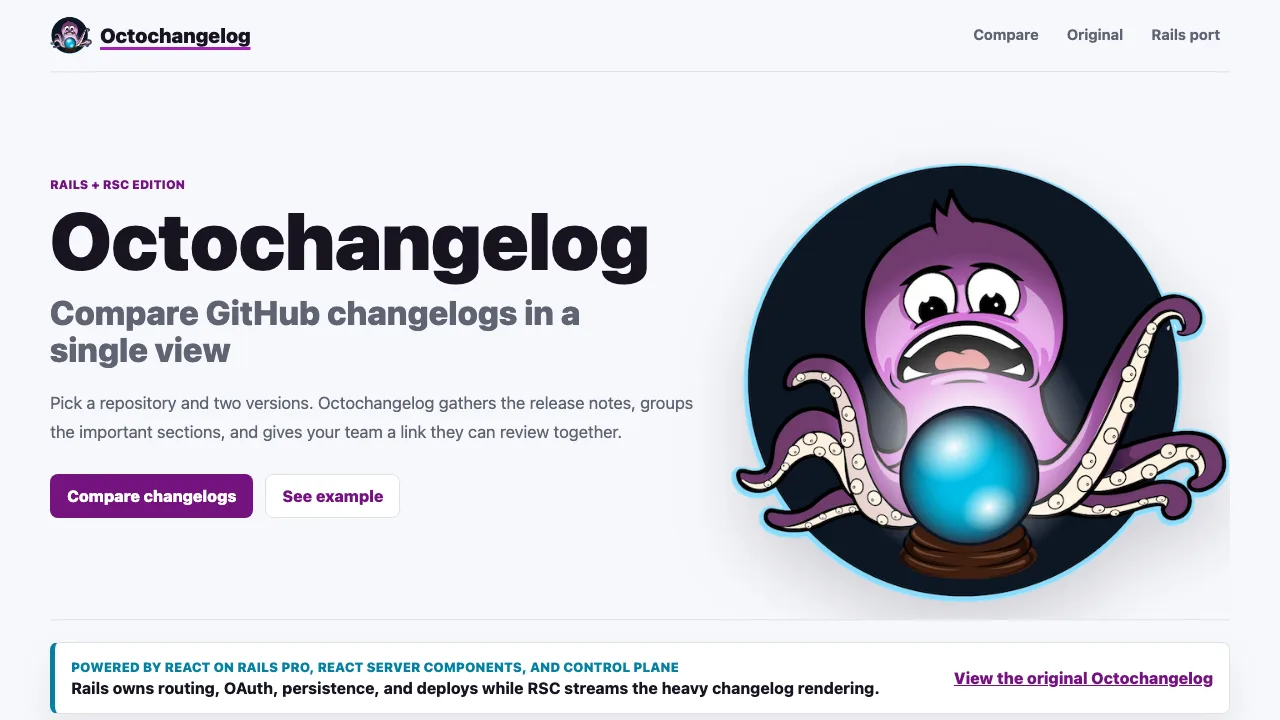
An Octochangelog app migrated to React on Rails Pro with Rails routing, React 19, and streamed RSC.

A public product-page demo comparing Inertia and React on Rails Pro with React 19 and RSC.
React on Rails Pro
Pro is an upgrade tier for teams that need more rendering throughput, React Server Components, streaming, and guided support without replacing their Rails app.
Why Teams Use It
Render React components from Rails views and controllers without splitting your product into separate apps.
Use server rendering, hydration, and streaming paths that fit mature Rails deployments.
Start with the MIT gem. Add Pro for RSC, streaming SSR, and the Node renderer: free for small organizations, ShakaStack Pro at $1,800 per year per organization otherwise.
Pair Rails JSON APIs with TanStack Query for client-side caching, mutations, and first-paint data, without adding a second backend.
Trusted in production by




















Migration
Move from Inertia page props and SPA navigation to React on Rails view helpers route by route.
Open guideSwitch from vite_rails when you want Rails view helpers, SSR, or React on Rails Pro features.
Open guideCollapse a separate Next.js frontend into Rails while keeping a modern React migration path.
Open guideStep-by-step checklist for swapping `react-rails` to React on Rails, with a sample app.
Open guideWorking repositories showing SSR, migration, and integration patterns.
Open guideIn production
React on Rails lets us run React at scale inside Rails without the complexity of a separate frontend deployment. ShakaCode's implementation optimized the framework for our specific workload, delivering 97% Good LCP scores and 80% faster hydration across our platform.

Built by ShakaCode
ShakaCode maintains React on Rails and helps teams ship with SSR, RSC, and Rails integration. Book a free 30-minute call for architecture, performance, or migration advice.